HAIPAY CARD ISSUING

Virtual cards for
advertising &
AI subscriptions.

Give each project, advertising account or AI subscription its own card. Choose a USD card programme for your business, or integrate card issuing through an API.

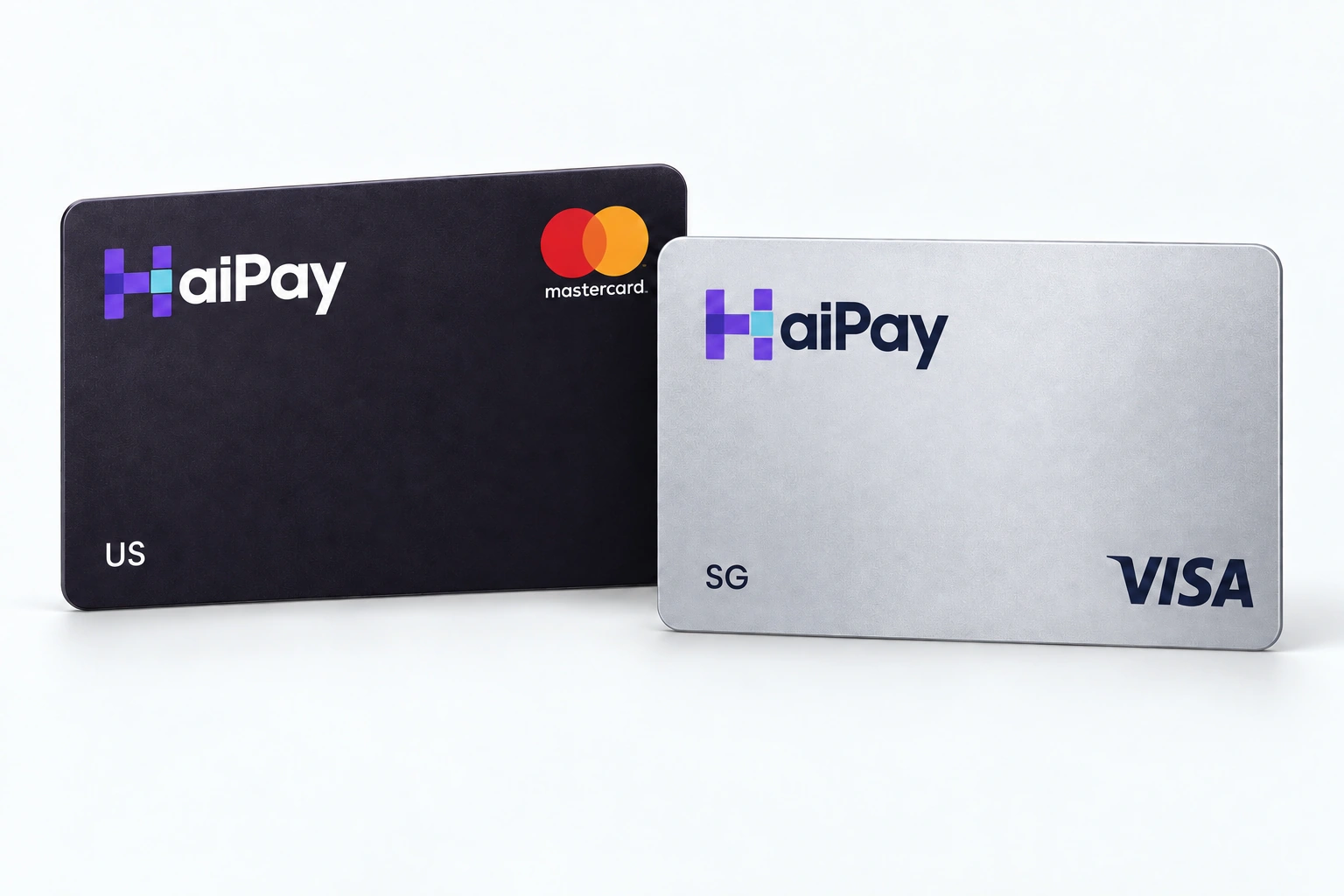
US · Hong Kong · Singapore — Visa and Mastercard programmes.

Purple and silver HaiPay virtual card concept

Where card payments break for ad spend and AI tools

Both spending needs tend to fail at the same points—the card's region, its type, and how it handles repeated charges. Here is what a card has to do before you fund it.

Programme region is not customer eligibility—confirm your platform and billing setup with HaiPay before funding.

Advertising and media buying

What you need:

A card that fits your ad account's billing country and currency; a separate card for each ad account; and a record of which card pays which account.

  1. Automatic billing

    On automatic billing, platforms charge you repeatedly each time you reach a billing threshold—one that some platforms raise over time—and a single failed charge can pause ads or disable the account.

    Sources: Google Ads Help · Meta Business Help Centre

  2. Billing details

    Payment settings follow the ad account's billing country and currency, and card details may be checked against the billing address.

    Sources: Google Ads Help · Meta Business Help Centre

  3. Card and account setup

    Some billing settings do not accept prepaid cards, and some platforms may limit how many ad accounts can share one payment method.

    Sources: TikTok for Business · Meta Business Help Centre

  4. Reconciliation

    Many small charges across many accounts can be hard to reconcile from a shared card.

ATLAS STUDIO
HaiPayILLUSTRATIVE PROJECT CARDS

Every project has its place.

Selected projectATLAS-LAUNCH · •••• 9026

Each card can carry its own spending limit, set in the dashboard. Campaign budgets stay in your ad platform.

Start with your advertising platform.

We’ll review your account’s billing country, currency and payment type.

Platform names describe enquiry use cases, not guaranteed acceptance. Account eligibility and payment methods must be confirmed for your setup.

Illustrative dashboard and transaction data.

When an ad payment needs attention.

Meta AdsATLAS-CREATIVE · •••• 5541Declined$250.00
  1. Check the transaction’s available reason, card status, funds and limit.

  2. Confirm billing details in the ad platform before retrying.

  3. Switching cards does not guarantee approval.

Review this example charge

Illustrative dashboard and transaction data.

Availability varies by card programme, billing setup and platform policy.

Names and logos belong to their respective owners; no affiliation is implied.

Advertising payment fit

Google Ads

Share your billing country, account currency and whether you use postpay (automatic payments) or prepay (manual payments).

We will review the fit for your account. This is an enquiry use case, not a verified acceptance promise.

Selected example: ATLAS-LAUNCH · •••• 9026

Contact Us

HaiPay programme:

The US programme (Visa or Mastercard, USD) is described for media buying such as Meta, AMS and Google, in the US and other markets; confirm transaction fit for the selected card. The Hong Kong programme (Visa or Mastercard, USD) is an advertising route to discuss. The Singapore programme (Visa or Mastercard, USD) is described for non-US online transactions, including TikTok media buying.


AI subscriptions and API credits

What you need:

A card issued in a supported region that stays valid for recurring charges (at some providers, API credits are sold only in USD), and a record of which card pays each subscription and each credit top-up.

  1. Subscriptions

    Web subscriptions take credit and debit cards in every supported country, plus a few local methods in some regions, and only some plans list prepaid cards as accepted.

    Sources: OpenAI Help Center · Claude Help Center

  2. API credits

    API credits follow their own rules: prepaid (in USD at some providers), drawn down as you use them, optionally topped up automatically, and access stops once the balance runs out—though not always at once.

    Sources: OpenAI Help Center · OpenAI Help Center

  3. Renewals

    Some providers require the card to be issued in a region they support, and banks that block online, recurring or international charges cause declines at checkout or renewal.

    Sources: OpenAI Help Center

  4. Team and business plans

    Team and business plans bill all seats together in a recurring charge to a single card.

    Sources: Claude Help Center · OpenAI Help Center

HaiPay / Cards
ATLAS STUDIO

Subscription payments

Freeze card
Recurring paymentSubscriptionAug 24, 2026
$24.00Completed

Illustrative dashboard and transaction data.

Provider / API billing
ATLAS STUDIO

API credits

Provider-side illustration. Credit usage is separate from your card transaction record.

Credit balanceUSD 150.00
TransactionAmount
Credit top-upSep 24, 2026+$200.00
Usage deductionSep 24, 2026−$35.00
Usage deductionSep 24, 2026−$15.00
Top-up details
Card
•••• 7213
Status
Completed

Illustrative dashboard and transaction data.

HaiPay / Payment activity
ATLAS STUDIO

Renewal needs attention

Renewal declined

Recurring charge declined.

Declined
Subscription$24.00Sep 24, 2026 •••• 7213
View charge details
Payment type
Recurring charge
Card status at attempt
Active
Reason
Recurring charge declined.
Work through this example

Illustrative dashboard and transaction data.

HaiPay / Transactions
ATLAS STUDIO

Team subscription

DesignEngineeringOperations
Consolidated charge$180.00Sep 24, 2026
Completed
Recurring payment•••• 8864
Transaction details
Project
ATLAS-DEV
Payment type
Team subscription
Amount
$180.00
Review the team behind this charge

Illustrative dashboard and transaction data.

HaiPay programme:

All HaiPay card programmes are USD virtual cards, available on Visa or Mastercard. Subscriptions and API credits are discussed separately. When you contact HaiPay, say which service you pay for, whether it is a subscription or API credits, and where your business is billed, so the right programme can be discussed before you fund it.

Platform rules and sources

These sources describe platform billing rules, not guaranteed acceptance of a HaiPay card.

  1. About payment settings in Google AdsGoogle Ads Help · Checked 2026-09-25
  2. How to set up automatic paymentTikTok for Business · Checked 2026-09-25
  3. Fix a failed payment issue on MetaMeta Business Help Centre · Checked 2026-09-23
  4. Troubleshoot when a credit card address can't be verifiedMeta Business Help Centre · Checked 2026-09-23
  5. Multi‑currency billingOpenAI Help Center · Checked 2026-09-25
  6. Setting up and managing prepaid API billingOpenAI Help Center · Checked 2026-09-25
  7. Why was my credit card declined?OpenAI Help Center · Checked 2026-09-25
  8. Team plan billing FAQsClaude Help Center · Checked 2026-09-25
  9. Managing billing and seats in ChatGPT BusinessOpenAI Help Center · Checked 2026-09-25

Find the platforms your team uses.

Explore the full list. Select a platform to discuss its payment requirements.

Availability varies by card programme, billing setup and platform policy. Names and logos belong to their respective owners; no affiliation is implied.

One card, from issue to reconciliation.

Illustrative walkthrough of a HaiPay virtual card in the dashboard. Programme details, controls and data are examples, not your account.

HaiPayHaiPay / CardsATLAS STUDIO
Cards / New card

Choose your card programme

Programme region is not customer eligibility.

Programme
Card network
Card currencyUSD
Scroll to explore

Pick US, Hong Kong or Singapore, on Visa or Mastercard. All programmes are USD virtual cards.

Illustrative card action

Close this card?

ATLAS-ADS•••• 4444 · Not created
Mastercard

The card will be marked Closed in this example.

Compare virtual card programmes.

Start with where and what you pay for. Then confirm the card, your business and your merchant’s billing requirements together.

Three issuing regions. One currency.All programmes are USD virtual cards, available on Visa or Mastercard, with 3-D Secure and billing-address (AVS) verification.
Visa and Mastercard
USVIRTUAL CARD PROGRAMME

US programme

Media buying, in the US and other markets

Payment fit
Media-buying transactions in the US and other markets, including Meta and Google
Apple Pay / Google Pay
Supported

Confirm transaction fit for the selected card.

HKVIRTUAL CARD PROGRAMME

Hong Kong programme

Advertising route to discuss

Payment fit
Advertising route to discuss. For AI tools, check platform-specific suitability first.
Apple Pay / Google Pay
Supported

Programme details are subject to confirmation for your account.

SGVIRTUAL CARD PROGRAMME

Singapore programme

Non-US online transactions

Payment fit
Non-US online transactions, including media buying
Apple Pay / Google Pay
Supported

Merchant acceptance and business eligibility require review.

Card location and business eligibility are different.

A US, Hong Kong or Singapore card programme does not automatically mean businesses in that place can apply. Companies registered outside mainland China can apply, subject to a restricted-industry list; your registration country and intended services are reviewed separately.

Check business eligibility

Understand your virtual card costs.

Your card programme, payment volume and merchant locations shape the commercial terms. Ask for a breakdown of the fees that apply to your setup.

Request a card proposal
For a relevant proposal, include:

Monthly spend · Number of cards
Business country · Platforms & currencies

Card setup & funding

Issuance and top-up costs

Card issuance
A charge for each card issued.
Funding
A fee applied when funds are added.
Ongoing charges
Any recurring charges included in your agreed programme.

Payments & currency

Authorization, cross-border and FX

Authorization
Charges can vary by programme, transaction amount and location.
Cross-border
A separate charge may apply to transactions outside the card’s domestic region.
FX
Card-network conversion and any additional markup should be shown separately.

Exceptions & rebates

Refunds, declines and commercial terms

Payment exceptions
Review refund, decline, reversal and dispute charges separately.
Rebates
Where offered, confirm eligible spend, volume thresholds and payment timing.
Your final quote
The selected programme and agreed commercial terms determine the applicable rates.
Programme-specific pricing. Final rates are set out in your commercial quote.
Organise your proposal detailsOptional planning notes

Keep your card requirements together before comparing a proposal. Your notes stay on this page and are sent to HaiPay only in an enquiry you submit.

A rough amount or range is enough.

List the currencies your merchants bill in.

You can contact HaiPay at any time. Reviewed notes are added to the enquiry form that opens here, and they are sent only when you submit it.

Contact Us

Bring a card issuing API
into your product.

Issue virtual cards through the HaiPay API. HaiPay enables sandbox access for your team; confirm programme scope before development.

ISSUING / INTEGRATION OVERVIEW
01
YOUR BUSINESS

Your product & markets

The card use case and the businesses you serve.

02
CARD PROGRAMME

US, Hong Kong or Singapore options

Programme selection, USD cards and commercial terms.

03
TECHNICAL REVIEW

Scope & access arrangements

HaiPay enables sandbox access. Confirm authentication, transaction data and implementation responsibilities with HaiPay.

Card issuing, freezing and unfreezing, transaction queries, webhook notifications and merchant or category locks are available through the API; this overview is not an API specification.
Plan your API discussionOptional planning notes

Outline your integration and the operations you want to discuss. Your notes stay on this page and are sent to HaiPay only in an enquiry you submit.

Describe who will use the cards and what they will pay for.

List the markets your product serves.

This selection is not an eligibility result.

Operations you want to discuss

These are requests to discuss; HaiPay confirms the scope available to your integration.

You can contact HaiPay at any time. Reviewed notes are added to the enquiry form that opens here, and they are sent only when you submit it.

Contact Us

Using a card to pay an AI provider is a payment use case. Integrating a card issuing API connects your product to an issuing service. Choose the path that matches your business.

Virtual card questions, answered.

Programme details, payment requirements and API access.

HaiPay offers virtual card solutions for business advertising and AI subscription payments, with API access for integration teams. The available card programme depends on your business, merchant and transaction location. These are virtual cards with 3-D Secure and billing-address (AVS) verification, and all three programmes support Apple Pay and Google Pay.

Start with the payments
you need to make.

Tell us your business country, platforms and billing setup.
We’ll discuss the card programme or API access you need.

Talk to HaiPayOr use the contact form and select Virtual Credit Card.Support runs 24/7 in a shared chat group with your team, on the major messaging apps.

Talk to HaiPay

Discuss virtual cards with HaiPay.

Tell us your business country, platforms and billing setup. We’ll discuss the card programme or API access you need.

Your details are sent only when you submit this form.